This weekend, we deployed one of our newest features at the UCI Mountain Bike Continental Series in Canmore – our live broadcast graphics interface. This article is a deep dive into how the system works, step by step, and the hardware involved. We’ll talk about some of the other existing system, simply to take a look at what exists in the industry today.
Skip to the bottom for a TL;DR. This one really gets into the weeds.
From chip to screen – How Timing Broadcast Systems Work.
Modern endurance events rely on real-time data to engage audiences, whether on TV, livestream, or race websites. Timing broadcast software is the bridge between raw race timing and the graphics audiences see on screen. It takes live timing data (e.g. split times, ranks, leader gaps) and formats it for display. For Example, Swiss Timing notes that “live internet results” keep fans hooked – spectators spend more time on an event’s site when live data is displayed. In practice, a timing broadcast system captures chip reads from athletes, processes and aggregates them, then feeds the info into on-screen overlays (scoreboards, leaderboards, trackers, etc.) for TV and streaming.
From Chip Read to On-Screen Graphic: The Data Flow
Here’s a detailed version of how timing broadcast pipelines typically follow these steps.
- Athletes carry RFID chips or active chips. These can be active (battery-powered) or passive tags. Active chips (e.g. Zone4 GoChip) emit a signal when powered and offer very high precision. Passive tags have no battery – they harvest energy from nearby antennas and emit their ID code when a runner passes. Passive bib tags or shoe tags are cheap and ideal for large field races.
- Racecourse detection points (activators or mats). At each timing point (start, finish, splits), antennas detect passing chips. A common setup uses flat timing mats laid across the course, containing UHF antennas. As athletes run over the mat, the antennas pick up each tag’s ID.
- Activators Readers decode the signals. Modern race controllers (e.g. ChronoTrack’s Pro2/Kairos) include Ethernet/Wi-Fi/cellular links to relay data even from remote locations .
- Scoring software compiles results. Specialized software (ChronoTrack RaceDay, Zone4, Agee RaceDirector, etc.) receives all passes. It matches tag IDs to athlete bibs and calculates net times, split times, and ranks in real time. The software continuously updates live standings, delay versus leader, and other metrics as the race unfolds.
- Live data feed to graphics engine. The scoring system can output the live results via an API or scoreboard feed (often XML/JSON or a socket stream). Graphics software subscribes to this data. Other overlay tools may listen to a “scoreboard feed” from Orbits or RaceDirector, or use web sockets/HTTP calls to pull the latest times.
- Rendering the overlay. The graphics engine – like the one Zone4 has built in house – formats the data into templates. It produces on-screen overlays: leaderboards, lower-third timers, lap charts, etc. These graphics are then merged with video for broadcast or livestream.
Each step happens continuously during the race, so on-screen information (like “current leader: Jane Doe – 2h15m”) updates automatically whenever the backend receives a new chip time. The process keeps viewers informed as soon as athletes cross timing points.
Key Technologies
- RFID Timing Chips, Active Chips or Transceivers: Most endurance races use UHF RFID tags. Passive UHF tags (like timing bib tags) are inexpensive and reusable or disposable . They work at distances up to ~10–15 meters, allowing wide mats to cover many runners. Active transponders (battery-powered) are used in high-speed or mixed-sports (e.g. cycling, triathlons) for greater accuracy. GPS or smartphone-based trackers are also emerging in some events, but RFID remains standard for split timing.
- Timing Mats and Antennas: Antennas integrated into mats or portal frames create a radio field. When a tag enters this field, it is detected and read. Typical setups use flat mats across the finish or split line (especially in running).
- Timing & Scoring Software: Software applications (desktop or cloud) ingest decoder outputs. These platforms handle athlete registration, splits, rankings, and publishing live results. For instance, RaceResult’s software suite supports registration, timing, scoring and “various output options” including live results .
- Data APIs and Feeds: Modern systems offer live data feeds. For example, MyLaps Orbits provides a “Scoreboard feed” (IP:port) that streaming tools can connect to. ChronoTrack and others similarly offer API endpoints or custom broadcasts (e.g. JSON or WebSocket streams) with real-time results. This connectivity is crucial for broadcast overlays to grab the latest info.
- Broadcast Graphics Engines: Specialized graphics software or plugins render the overlays. Many events also use live production tools like OBS Studio or vMix with browser/text sources for custom graphics. For instance, SpeedwayLive’s free overlay tool uses NDI to pull MyLaps Orbits data and overlay it on OBS/vMix. Some solutions (like the open-source Race-G) can output transparent overlays directly over NDI or through video card fill/key channels .
- Integration & Streaming Protocols: Graphics outputs (video+overlay) are then combined in a switcher or streaming PC. Systems often use NDI (Network Device Interface) for low-latency transmission of graphics between computers . The final video is typically sent out via RTMP (Real-Time Messaging Protocol) to streaming/CDN platforms (YouTube, Facebook, etc.). Standalone graphics may also be sent via HTML browser sources (in OBS) or via specialized GFX engines (Viz, Ross) in professional broadcasts .
Current Systems and Examples
Several established systems are in use across endurance sports:
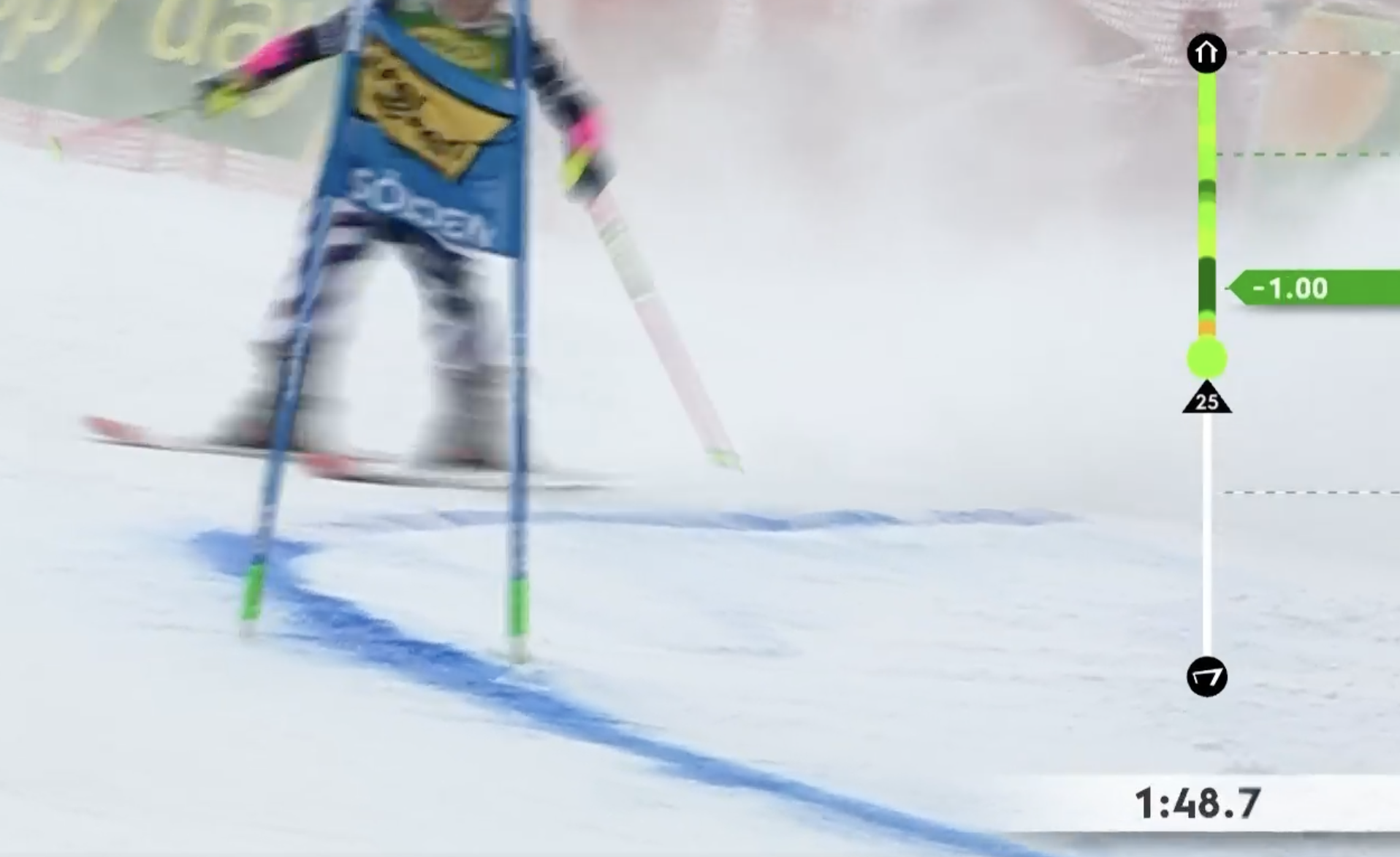
- Swiss Timing: A global leader (often partnered with Swatch Group brands), Swiss Timing provides turnkey services. They offer web/live scoring and sophisticated broadcast tools. Notably, Swiss Timing’s Virtual Runner graphic displays a live side-by-side run of the current leader versus the participant, replacing the old “time-behind” indicator. They also offer live timing services at events (publishing to websites and apps).
- Zone4: While still in development, its emerging broadcast overlay tools are designed to bring professional-quality graphics to even grassroots events. These tools integrate seamlessly with Zone4’s timing ecosystem, enabling organizers to display live rankings, splits, and branded content in-stream without the need for separate software or technical crews. Zone4 has long been trusted by Nordic, MTB, and triathlon events for its reliability and flexibility now it’s building tools to elevate the viewer experience alongside its timing expertise.
- ChronoTrack: A major North American timing provider. ChronoTrack supplies UHF timing hardware (e.g. Pro2, Kairos controllers) and software (RaceDay desktop and CT Live online results). Their technology has timed massive races – as one customer noted, ChronoTrack handled “the largest Marathon ever, with the most split points and largest amount of timing data”. ChronoTrack outputs can feed online results widgets and graphics.
- FinishLynx: Best known for photo-finish camera systems, FinishLynx (part of ChronoTrack) also offers timing and display software. Their ResulTV software (Windows-based) creates live graphics from FinishLynx or third-party timing data . Broadcasters use it to generate coloured result banners, clocks, and placings on the fly.
Each system plugs into broadcast in different ways, but all achieve the same goal: deliver live race data to viewers.
Chip timing setup (example): antennas/mats at start/finish and split points feed data to a central controller and computer. Modern timing gear (e.g. Zone4) is compact and often connects via cellular to send live times .
Integrating Graphics into Live Streams
Once the graphics are generated, they must be merged into video. Typical approaches include:
- Video Switcher/Streaming Software: Live production tools (OBS Studio, vMix, Wirecast, NewTek TriCaster, etc.) ingest camera feeds and overlay graphics. NDI is often used to send graphic layers from a PC to the switcher. For instance, SpeedwayLive’s overlay software uses NDI to inject real-time race info (lap times, standings) into the OBS scene . Broadcasters then stream or record the mixed output.
- Scoreboard Text Feeds: In some cases, timing systems output serial or IP scoreboard data (old-school TV scoreboard format). Tools like ScoreBridge can convert these into text files. OBS can read these files with a “text” source, updating score overlays live . This is common when using digital sports scoreboards (e.g. Daktronics) with older data protocols.
- Graphics Engines: High-end broadcasts may use specialized CG systems (VizRT, Ross XPression, Chyron). These connect to timing APIs to pull live stats. For example, a professional Olympic broadcast might integrate the timing feed into custom-designed lower thirds. (Swiss Timing’s Virtual Runner is an example of such a custom overlay.)
- RTMP and Streaming: Finally, the combined program output (with overlays) is typically sent to the internet via RTMP to platforms like YouTube Live or Facebook. In other words, RTMP is the transport for the final broadcast stream – separate from how the overlays get into the video.
In summary, broadcast graphics are integrated by taking the timing software’s output and feeding it into the video production workflow (either via NDI/broadcast software or dedicated graphics hardware). The result is that viewers see real-time stats, names, and live timers “burned” into the video feed.
Zone4’s Broadcast Overlay
TL;DR:
At the UCI Mountain Bike Continental Series in Canmore, we deployed our version of Zone4’s new broadcast overlay system. This article explains how timing broadcast systems work from end to end – capturing RFID chip reads, processing them through scoring software, and feeding real-time data into live video graphics for TV and streams.
We break down the tech stack behind it: RFID chips (active and passive), timing mats and antennas, decoding controllers, scoring platforms (like Zone4, ChronoTrack, RaceResult), data feeds (XML, WebSocket, etc.), and graphics engines (OBS, NDI, or custom tools). We also cover how these overlays get merged into live streams using tools like OBS Studio, vMix, or high-end systems like VizRT.
At Zone4, we’ve spent years delivering end-to-end timing solutions – from registration to chip timing to live results. Now, we’re working with another piece: a broadcast overlay system that brings real-time timing data directly to video streams and on-screen graphics.
We’re currently in beta, testing a system that plugs into our live timing feed and allows timers or event organizers to push custom graphics straight to a livestream or production screen.
Our goal is to make this as easy as possible, especially for grassroots events. Instead of hiring a graphics team or running multiple tools, you’ll be able to manage overlays from the same interface you already use to time your race. It’s built to be lightweight, fast, and integrated.
We’re taking inspiration from systems like Swiss Timing and NDI-based overlays, but with a twist – ours will work natively with Zone4’s timing data and UI. If you’ve used our “Announcer View” before – the big-screen scroll that shows racers approaching the finish – this new module builds directly on that experience.
The system is still being refined, but we’re excited about what it can offer. More soon – and if you’re interested in testing it with us, get in touch.
 blog.zone4